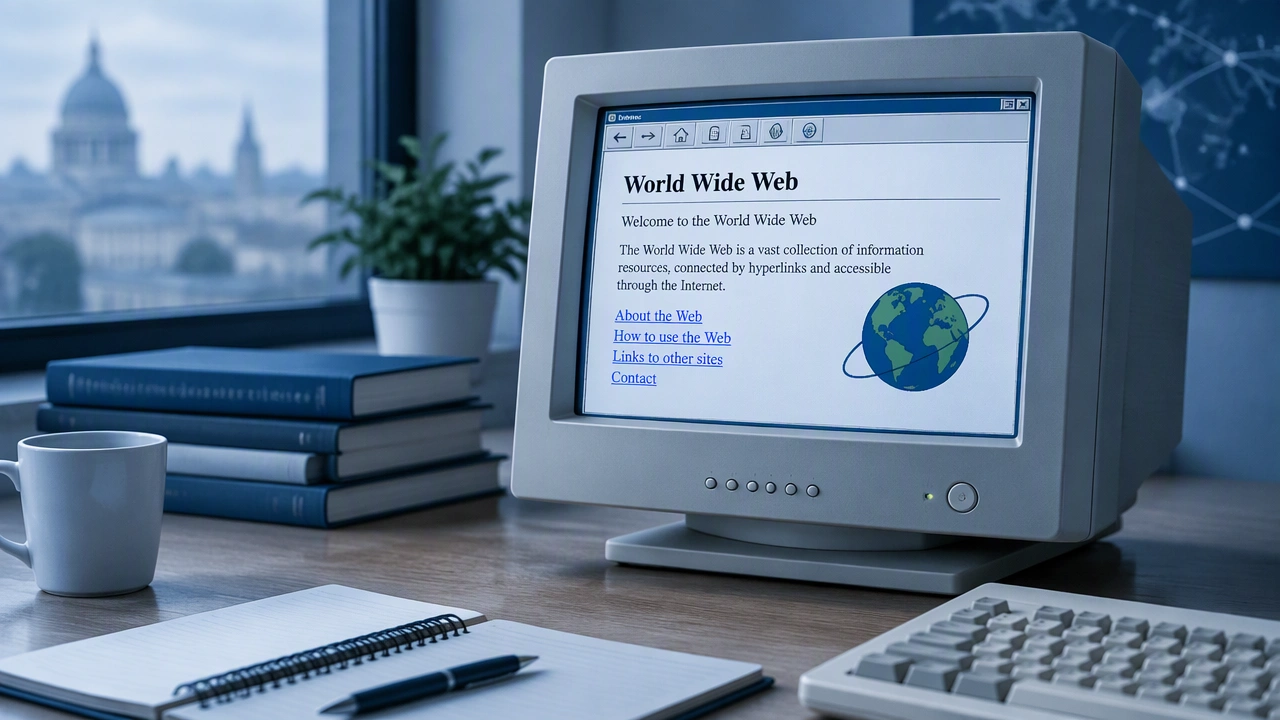
The First Web Page Explained: Purpose, Structure, and How to View It
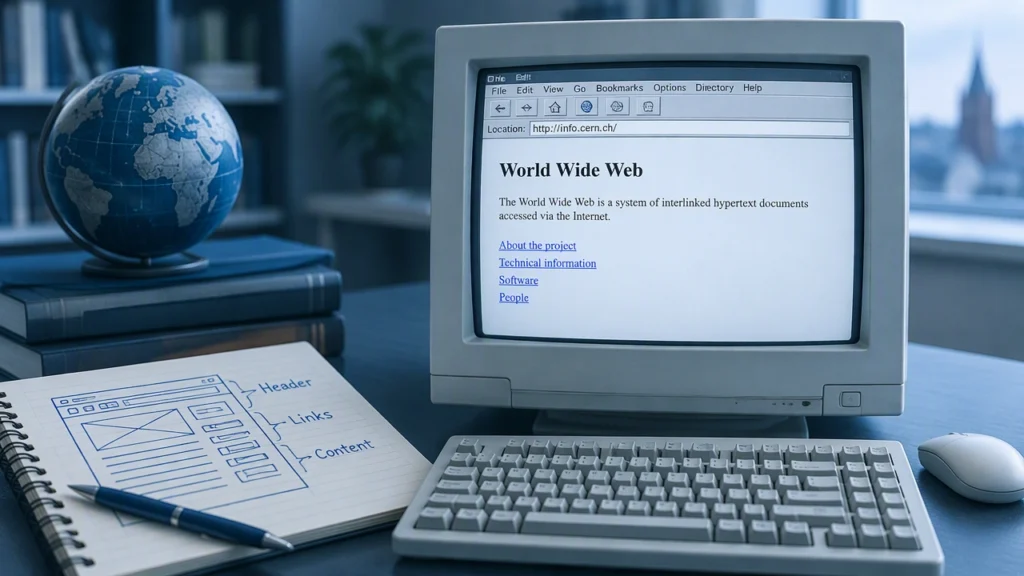
The first World Wide Web page was not a polished homepage or a marketing site. It was an informational page created to explain a new system for finding and sharing documents across the internet. Understanding its purpose and structure shows how the web began as a practical tool for communication, not as a collection of apps, feeds, and platforms.
The internet and the web are different things
The internet is the global network of computers and connections that allows data to move between machines. The World Wide Web is a system built on top of that network. It uses addresses, links, and a standard way to request and display documents. This distinction matters when we ask what did the first World Wide Web page contain and how could people view it? The page was one document within a larger system designed to make information easy to locate and open.
Before the web, people used the internet through email, file transfer, discussion systems, and specialized services. Finding information often required knowing the exact location of a file or the name of a server. The web changed that by introducing a simple model: a document could contain links to other documents, and a browser could follow those links automatically.
Why the first page existed
The first page was created as an explanation of the World Wide Web project itself. Its main purpose was informational. It told visitors what the project aimed to do, how the system worked, and where they could find further details. In other words, the page was both an introduction and a guide.
This purpose shaped its structure. Because readers were expected to be new to the idea of web documents, the page used plain language, short sections, and direct navigation. It did not try to impress readers with graphics or interactive features. Its job was to reduce confusion and help people understand a new way of organizing information.
What the page contained
The page had three practical elements that became foundational to the web:
- An explanation of the project. It described the World Wide Web as a way to combine documents with links, so a reader could move from one topic to another without knowing where each file was stored.
- Instructions for creating and publishing pages. It pointed readers toward guidance on making their own documents, including basic formatting and linking practices.
- Links to related resources. The page connected visitors to further information, such as explanations of the technical system and lists of available material.
The content was deliberately modest. There were no images, no navigation bars, and no complex layout. The structure came from headings, paragraphs, lists, and links. This simplicity was not a limitation; it reflected the page’s role as a starting point for people learning how the web worked.
How the structure reflected the purpose
The first page can be read as a map. At the top, it established context by defining the project. In the middle, it explained how someone could participate by creating and linking documents. At the edges, it offered paths to deeper technical material. This structure made the page useful to different kinds of readers: newcomers could stop after the overview, while developers could continue to the more detailed resources.
The page also demonstrated the core logic of web publishing. A document did not need to contain everything. It could point to another document, another explanation, or another list. The reader’s browser would follow the link and retrieve the next page. That simple behavior made the web scalable: one page could connect to thousands of others without requiring a central catalogue.
How people could view it
To view the page, a person needed two things: a connection to the internet and a program capable of requesting and displaying web documents. The earliest such programs were text-oriented browsers. They sent a request for a document, received the document’s markup, and displayed its headings, paragraphs, and links on the screen.
Because the first page used basic document features, it did not require special graphics software or a multimedia environment. A reader could follow a link by selecting its address or entering it into the browser. The browser then requested the linked document from the appropriate server. In this way, viewing the page was not very different from opening a file, except that the file could be stored on another computer anywhere on the network.
Early access was limited by practical conditions. Connections were slower, browsers were fewer, and the number of web pages was small. People often learned about the page through technical communities, written instructions, or direct addresses passed between colleagues. As more browsers became available, the same page could be reached through different software, but the underlying process remained the same: request, receive, display.
What the first page established
The page’s importance lies in the pattern it introduced. It treated information as a network of linked documents rather than as isolated files. It showed that a web page could explain itself, guide the reader, and point toward further knowledge. It also demonstrated that a useful site did not need visual complexity to be effective.
Those ideas still shape web design today. A clear purpose determines what a page should say. A simple structure helps readers find the next step. Links create relationships between ideas and allow a site to grow without becoming a single, overwhelming document.
Why it still matters
Studying the first informational page is a lesson in restraint and clarity. It was built to answer immediate questions: what is the web, why does it exist, how does it work, and what can I do next? By focusing on those questions, the page became an effective doorway into a new technology.
The web has since grown far beyond text documents, but its foundation remains visible in every site that organizes content into pages and links. The first page reminds us that the original goal was not to create a marketplace of features. It was to make information easier to find, open, and connect.